Talk to Pace

BOOKING WIDGET

Take reservations on your own website.

Guests see real availability from your Pace diary and book without leaving the page. One embed, no separate booking engine to run, and no table held twice.

Book a demo Open the demo restaurant Design the theme
A restaurant booking section with the Pace widget showing live time slots and a guest details form
Kōji, our fictional demo venue: the widget sitting inside the site's own booking section, showing real availability.

HOW IT WORKS

Your diary.
Their browser.

Built on the same engine that runs your bookings and back office, so the website can never oversell a table.

01

Reads your diary

Every time slot comes from live table availability, using your own service hours and booking duration. A table booked at the host stand disappears from the website straight away.
02

Assigns the table

When a guest confirms, the booking lands in the diary on the smallest table that fits the party, so your grid stays sensible and nothing is held twice.

03

One embed, any site

Add a container and a script tag to WordPress, Squarespace, Webflow or your own build. The widget renders in isolation, so your theme cannot break it.

THE WHOLE JOURNEY

From a free table
to a confirmed guest.

Party size, date and time on the first step; name, email and notes on the second; then a confirmation with its reference. No redirect to a third-party booking screen, and no call back to the venue to check.

  • Party sizes from 1 to 20, with your own booking duration
  • Unavailable times shown crossed out rather than hidden
  • Closed days and out-of-hours requests refused before they reach the kitchen
  • Rate limited, so one visitor cannot flood the diary
Step two of the Pace booking widget, with the chosen party size and time above a name, email and notes form and a confirm booking button

YOUR BRAND, NOT OURS

Colours passed in
as params.

Accent, text, borders, card and corner radius travel on the embed itself, so there is no stylesheet to keep in sync and no CSS to add to your site.

<div id="pace_booking">
  <script
    src="https://api.pacevenues.com/embed/bookings.js"
    data-theme-accent="#4b23ff"
    data-theme-surface="#f4f4ec"
    data-theme-radius="0"
    async></script>
</div>

Prefer picking colours by eye? The widget designer writes the embed for you.

The Pace widget designer with colour controls beside a live preview of the booking widget

IN THE WILD

A demo venue,
start to finish.

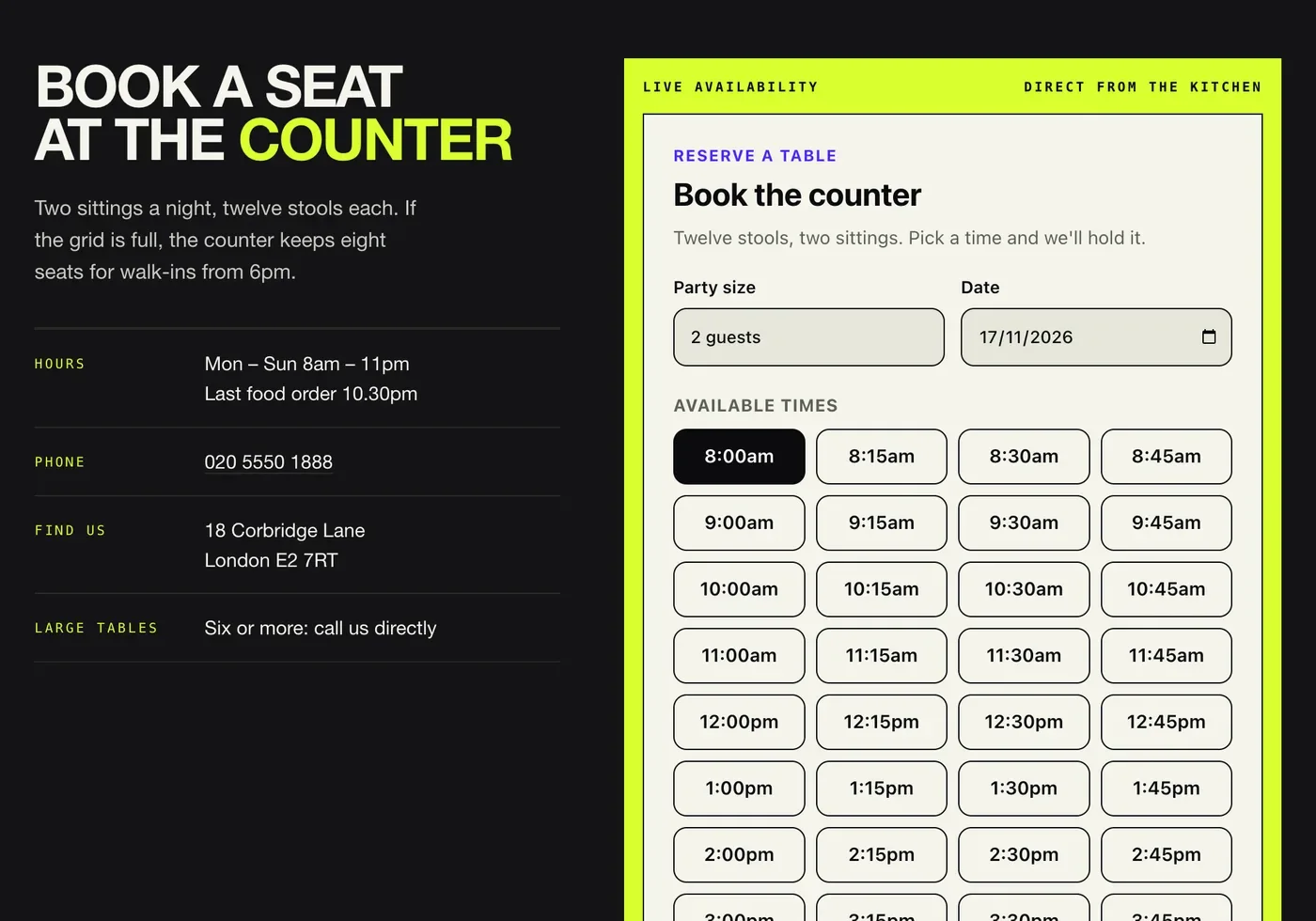
Kōji is a fictional twelve-seat ramen counter we built to show the widget inside a site with its own identity: black and lime, hard edges, its own logo.

The Kōji demo restaurant homepage with a black and lime design and a large headline reading twelve seats, one broth

GOOD TO KNOW

Before it goes on your site.

Does the widget show real availability?+

Yes. Time slots come from live Pace availability, using your own service hours and booking duration, so a table taken at the host stand cannot be booked twice on your website.

Can I change the colours to match my brand?+

Accent, text, muted text, lines, card, field and corner radius are set as data-theme-* params on the embed, so the widget picks up your palette without a stylesheet. The widget designer writes the tag for you.

Will it work on WordPress, Squarespace or Webflow?+

It is one container and one script tag, so it drops into any site builder that accepts custom HTML. The widget renders in its own shadow root, which keeps your theme and CSS from breaking it, and the other way around.

Do I need a separate booking engine?+

No. The widget is part of Pace: the same diary, tables, service hours and kitchen closing times your team already run. Reservations appear in the back office as guests make them.

Want it on your site?

It is included with every Pace plan, from Core upwards. We will set it up against your diary, match it to your brand and hand you the embed.

Talk to Pace